
Shop























BUY THE BUNDLE
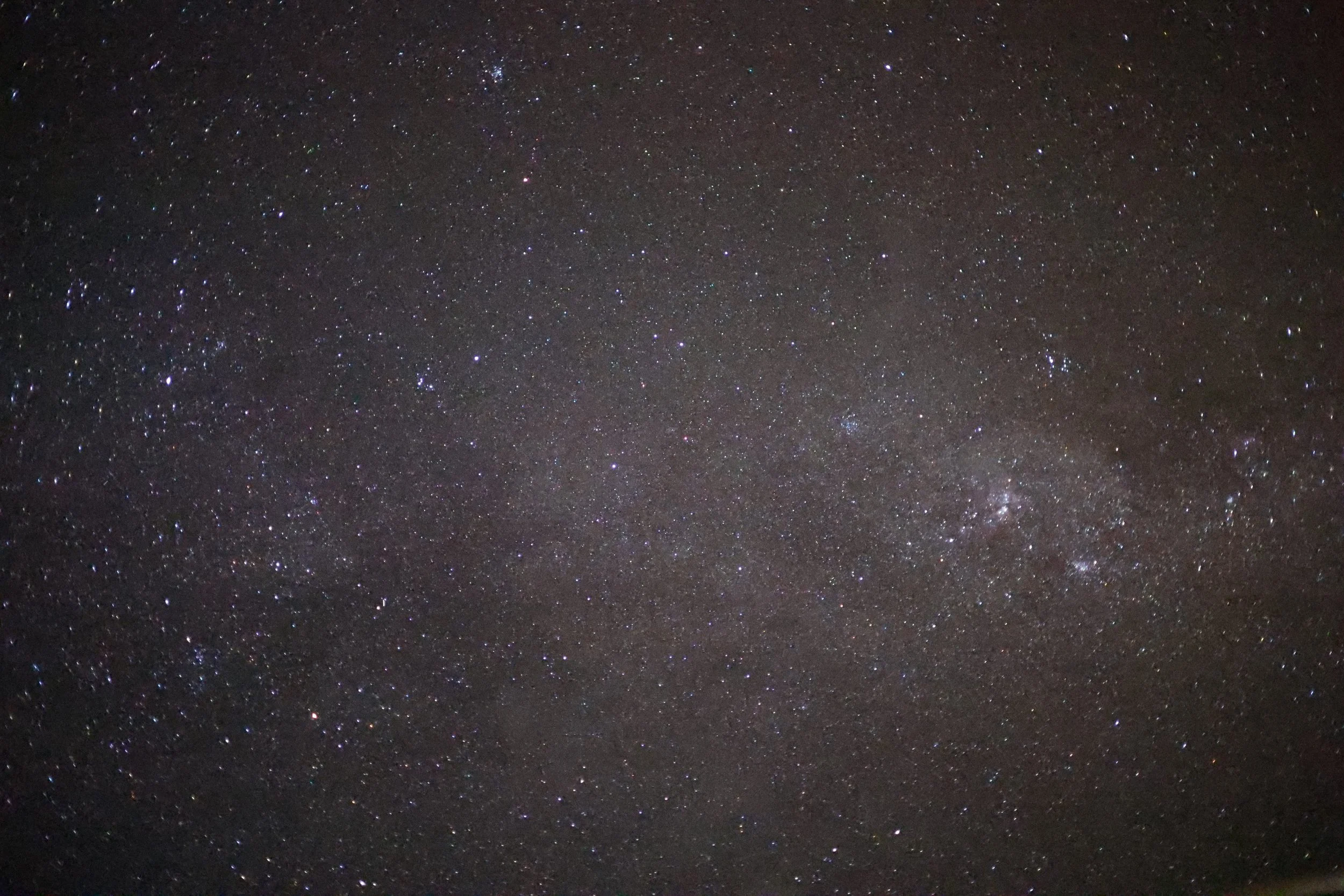
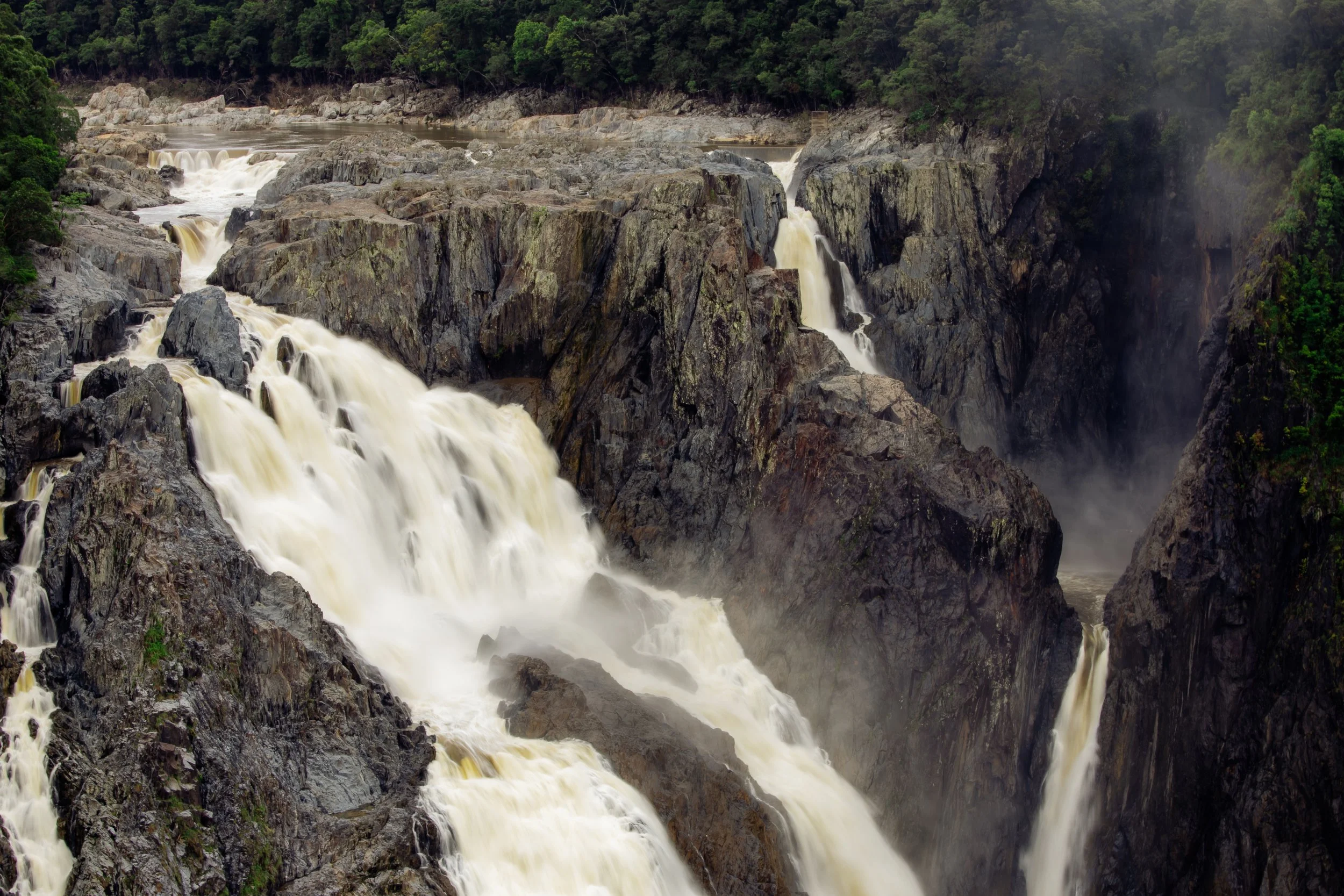
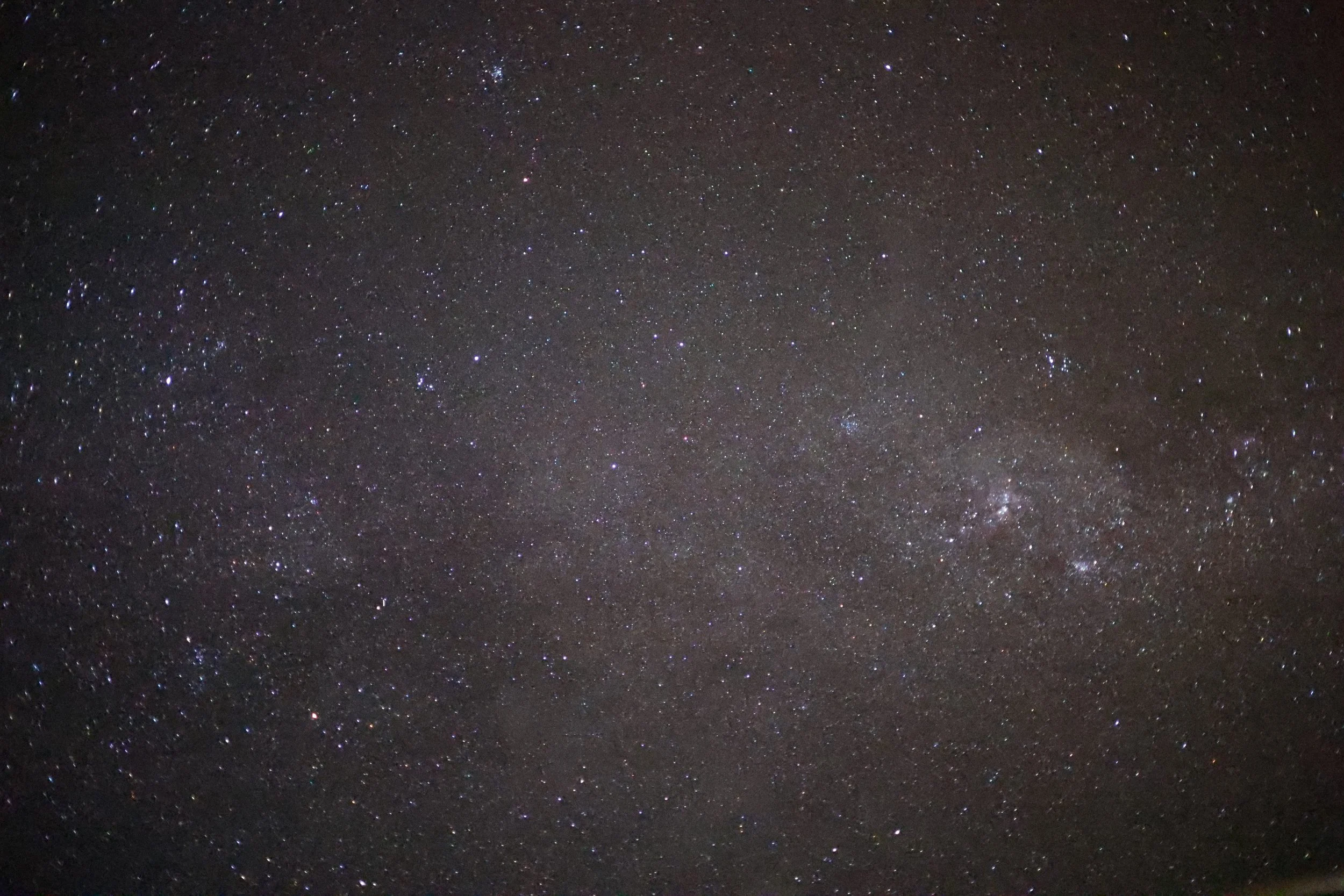
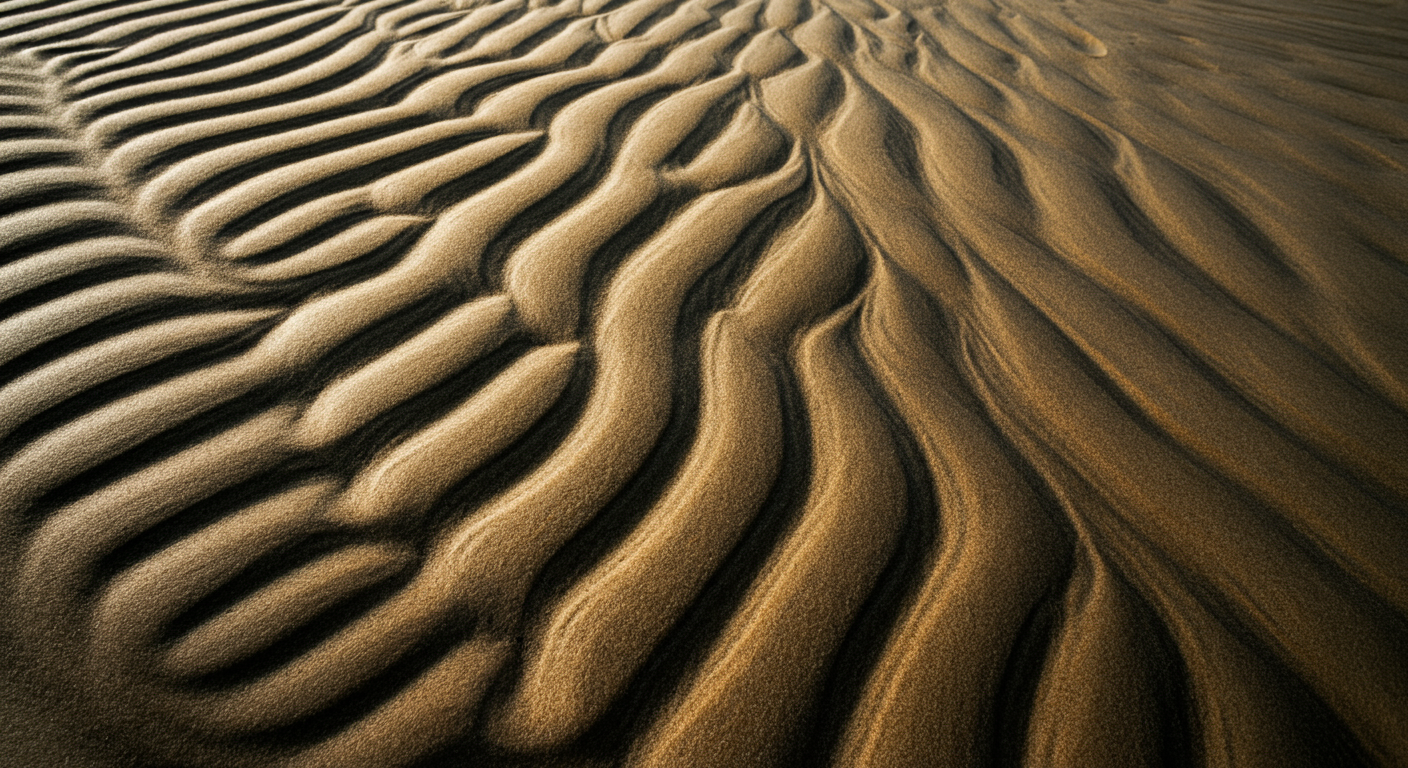
Enjoy 20 selected desktop screensavers from all over the world.
How to add downloads as screensaver
Macbook:
Either from the Order Summary or email receipt, download photos
Open System Settings > Wallpaper
In the Wallpaper settings, click Photo to add a single screensaver
To add multiple photos as an automatic slideshow, click Add Folder or Album. Once selected scroll down to the bottom of the Wallpaper Settings and click the Recycle icon under Desktop Wallpapers MiaEliasMedia